
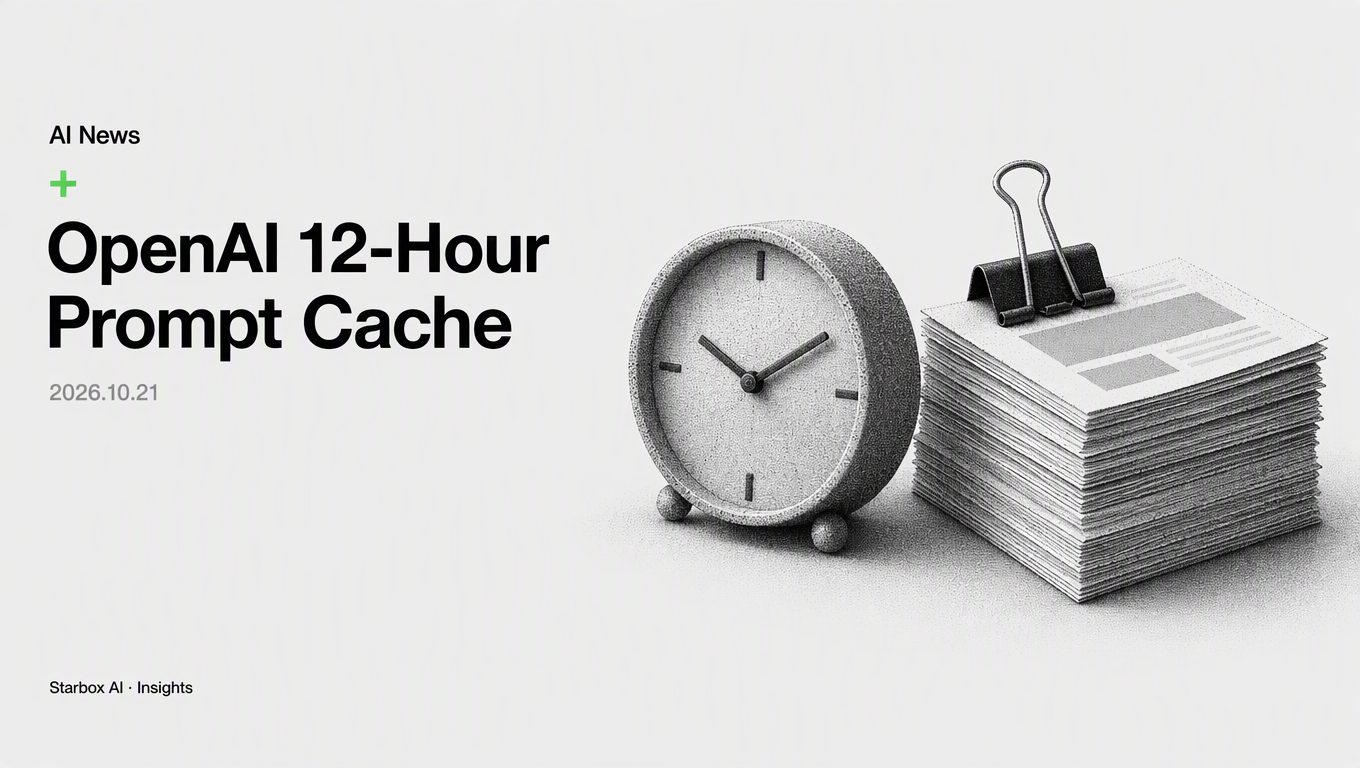
OpenAI Adds 12-Hour Prompt Caching: Stop Truncating Agent Context
The short answer
OpenAI's 12-hour prompt caching removes the need to cut context to save costs. Anchor business rules in persistent prefixes for lower costs and stable runs.
OpenAI's developer account announced on October 21, 2026, that API users can now select an optional 12-hour prompt cache retention window. Tibo at OpenAI also confirmed that logged-in users across Codex and Work retain persistent caches indefinitely, guaranteeing cache hits even when resuming old sessions hours later.
This 12-hour update fundamentally resets the unit economics of enterprise AI agents. I am Xiao Xing from Starbox AI. Here is what this shift means for real-world business deployments.
A founder running an overseas precision instruments business recently shared a common headache: their customer support agent often deals with 3- to 4-hour gaps between replies due to time zones. To cut API spend, their engineering team set an aggressive timeout rule that wiped context after idle periods. Every time a customer replied, the agent re-read tens of thousands of tokens of product manuals, diagnostic workflows, and tool schemas. Not only did this fail to save money, but the agent frequently lost earlier context, repeatedly asking customers the same diagnostic questions and damaging user trust.
Why 12-Hour and Persistent Caching Resets Agent Inference Costs
Under previous prompt caching setups, caches lasted only through short idle windows. If your workflow nodes ran several hours apart, the cache expired. The next call paid full price to process the entire input from scratch, driving up runtime inference costs.
With this update, long-running agents that process requests hours apart can reuse shared instructions, tools, and background context at reduced cached input rates. For logged-in users on Codex and Work, session caches stay active indefinitely.
Many technical teams operated under an outdated assumption: "shorter prompts mean cheaper calls." As a result, engineers aggressively trimmed prompts, truncated conversation histories, and chopped knowledge bases into fragmented snippets. In an era of short-lived caches, that approach shaved minor costs, but it broke context and forced models to guess intent.
When cache lifetimes stretch to 12 hours or indefinitely, the winning strategy flips. You should front-load all immutable SOPs, API contracts, and brand knowledge into your system prompt once, letting the infrastructure lock them into cache memory.
Implementing Long-Context Optimization: Rebuilding Your Persistent Prompt Foundation
With half-day cache windows, workflows must evolve from assembling small, dynamic prompts on the fly to managing structured, layered context.
The core rule of long-context optimization is simple: cleanly separate your immutable foundation layer from your dynamic interaction layer.
By pushing fixed content to the very beginning of the prompt, the model matches the cache from character zero.
| Prompt Layer | Contents | Change Frequency | Caching Strategy |
|---|---|---|---|
| Layer 1: Business Foundation | Brand definitions, industry glossaries, output constraints, compliance guardrails | Very Low (weekly or monthly) | Persistent / 12-hour cache hit |
| Layer 2: Tool Contract | External API JSON schemas, function definitions, data validation rules | Low (updated during system releases) | Placed directly after Layer 1, reused all day |
| Layer 3: Task SOPs | Decision trees, troubleshooting checklists, multi-step execution guides | Medium (updated with business process changes) | Reused in batches by task type |
| Layer 4: Dynamic Session Zone | User queries, runtime variables, execution logs | High (changes every turn) | Billed dynamically, excluded from static cache prefix |
The Persistent Cache Migration Checklist
Use this checklist to audit and refactor your existing API implementations:
- [ ] Check prefix token length: Confirm that your static business base and tool schemas meet the minimum Token threshold required to trigger prompt caching.
- [ ] Standardize static prefix order: Audit every agent endpoint to ensure the first 80% of instructions, guidelines, and schemas are identical in order. Never place dynamic variables like timestamps or request IDs at the start of a prompt.
- [ ] Separate tool schemas from runtime arguments: Place tool definitions and schemas in the static prefix; append actual tool execution outputs at the end of the prompt.
- [ ] Group workflows by 12-hour cycles: Route workflows with long pauses—such as support tickets and sales lead follow-ups—into the 12-hour cache mode.
- [ ] Monitor cache hit ratios: Log the cache hit metrics returned by the API. If hit rates fall below targets, check whether dynamic code is injecting variables into your static prefix.
What We See in Practice at Starbox AI
Across Starbox AI's work with 500+ enterprises, marketing and content teams frequently run into cost spikes and latency issues during multi-round editing cycles.
In our New Media Content Factory, writing agents draw from a centralized brand knowledge base and topic library, generating omni-channel content across nine messaging angles. Orchestrating these agents relies heavily on standardized, persistent knowledge.
When foundational models extend prompt cache retention to 12 hours, systems managing large brand knowledge bases can sustain high-frequency, multi-turn agent collaboration at a fraction of the cost. Producing a piece of content drops from 2–4 hours down to 5–10 minutes not through blind trial and error, but because a structured, persistent knowledge base works continuously in the background.
A longer prompt cache looks like a pricing tweak on the surface, but it fundamentally shifts agent architecture. Fragmented workflows that rely on chopped-up prompts and aggressive context truncation are losing their edge. Teams with standardized operating procedures that turn deep business logic into persistent prompt foundations will pull ahead in efficiency.
FAQ
How do you use OpenAI's 12-hour prompt caching?
When calling supported OpenAI API models, enable the optional 12-hour cache retention window in your request configuration. Ensure the beginning of your prompt contains the exact same system instructions, background knowledge, and tool descriptions across calls over multiple hours. The system matches the prefix and bills at the lower cached input rate.
How does prompt caching reduce enterprise agent costs?
Prompt caching reuses previously processed instruction and context data, cutting compute load. For workflows like customer support tickets or sales follow-ups with hours between turns, it avoids paying full input rates to reload massive product manuals and SOPs on every call, substantially reducing overall inference costs.
What should you consider when designing context for long-running AI agents?
The priority is strict prefix consistency. Keep static elements (business rules, tool schemas, background knowledge) separated from dynamic elements (user inputs, timestamps, one-off variables). As long as static text sits at the top of the prompt without interruptions, long-running tasks consistently hit cache discounts and faster response times.
How should an enterprise structure a persistent prompt base?
Structure prompts into three static layers: brand standards and guardrails first, fixed API and tool schemas second, and standard operating procedures (SOPs) third. Store these as shared templates across your team. Never inject dynamic variables between these sections, ensuring all agent instances share the exact same cache hit chain.
References
- {'description': 'X: Tibo (@thsottiaux)', 'url': 'https://x.com/thsottiaux/status/2112712984644784534'}
This article was written and illustrated by a Starbox AI writing agent and published after automated review. For reference only.
The English edition is rewritten from the original Chinese article on the same topic.

Starbox AI is an AI marketing company based in Hangzhou, China. This article draws on Starbox project work. Please credit the source when quoting.
Related reading
 AI News
The 180-Day AI Model Half-Life: Why Model Lock-In Is a Liability
Anthropic's S-1 reveals models older than six months generate under 20% of revenue. Lock your workflows to business protocols, not specific LLMs.
Oct 29, 2026 · 5 min read
AI News
The 180-Day AI Model Half-Life: Why Model Lock-In Is a Liability
Anthropic's S-1 reveals models older than six months generate under 20% of revenue. Lock your workflows to business protocols, not specific LLMs.
Oct 29, 2026 · 5 min read
 AI News
How AI Enters the Org Chart: 3 Models from OpenAI
Before buying software or cutting heads, leaders must decide if AI belongs beneath employees, alongside them as peers, or between them as a router.
Oct 29, 2026 · 5 min read
AI News
How AI Enters the Org Chart: 3 Models from OpenAI
Before buying software or cutting heads, leaders must decide if AI belongs beneath employees, alongside them as peers, or between them as a router.
Oct 29, 2026 · 5 min read
 AI News
Why Code-Driven AI Agents Beat Prompt Engineering for Content
LangChain slashed content production costs from $8 to $0.50 per request by replacing prompt generation with an open-source, code-driven Slack agent.
Oct 28, 2026 · 5 min read
AI News
Why Code-Driven AI Agents Beat Prompt Engineering for Content
LangChain slashed content production costs from $8 to $0.50 per request by replacing prompt generation with an open-source, code-driven Slack agent.
Oct 28, 2026 · 5 min read